IMAGE GUIDE
How to compress a photo under 200 KB
Meet a 200 KB photo limit by adjusting JPEG quality and pixel dimensions. Compare measured sample files and check the downloaded result.
When an application form asks for a photo under 200 KB, making it look smaller on screen is not enough. The limit applies to the file size. Check the accepted format and minimum pixel dimensions first, then work on a copy of your original.
Why use this approach?
No quality percentage makes every photo smaller than 200 KB. Leaves, hair, sand and image noise can make a photo harder to compress. Adjust quality first, then reduce dimensions if necessary, while keeping the important details readable. Kırpmadan does not offer an automatic 200 KB target: you adjust the settings and check the result.
Step by step
- Open the original in Image Compressor. Select JPG if the form requires it; a smaller unsupported format will still be rejected.
- Start around 85% quality. If the result is too large, try 75% and then 65%. These are starting points, not guaranteed file sizes.
- If quality becomes visibly poor while the file remains too large, use Image Resizer. Try a 1600 or 1200 pixel long edge, preserve the aspect ratio and stay above the form’s minimum dimensions.
- Open that resized copy in Image Compressor, adjust JPEG quality and download it. JPEG will not preserve a transparent background.
- Check the actual downloaded file size in its properties. Aim around 190 KB to leave room for rounding differences, then inspect faces, text and edges at full size.
- Upload the new copy to the form. If rejected, check the file extension, pixel dimensions and photo requirements as well as file size.
One image, different file sizes
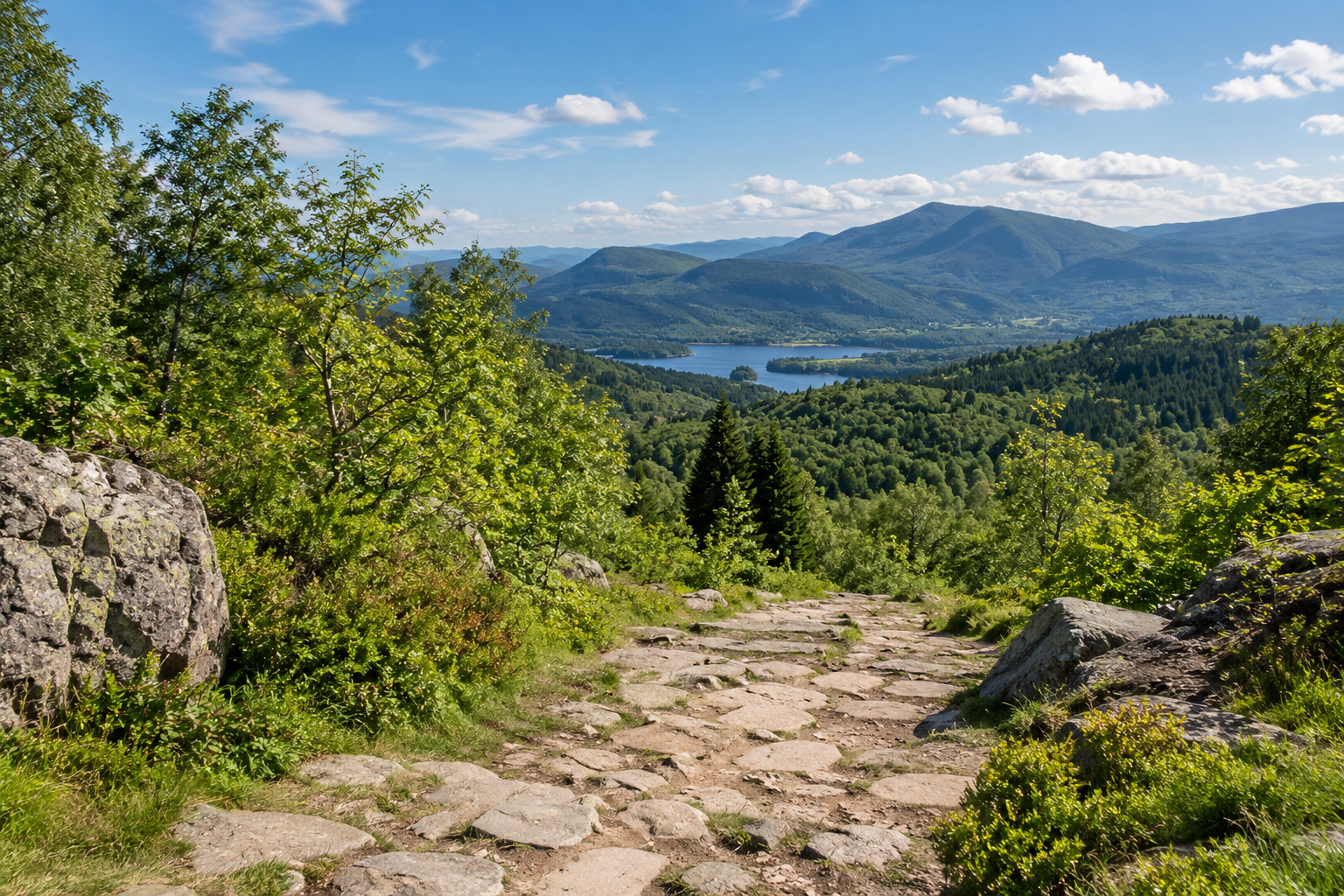
We used an AI-generated landscape for this comparison. The file sizes were actually measured; the source is not a camera photograph. Every export was made independently from the same source.
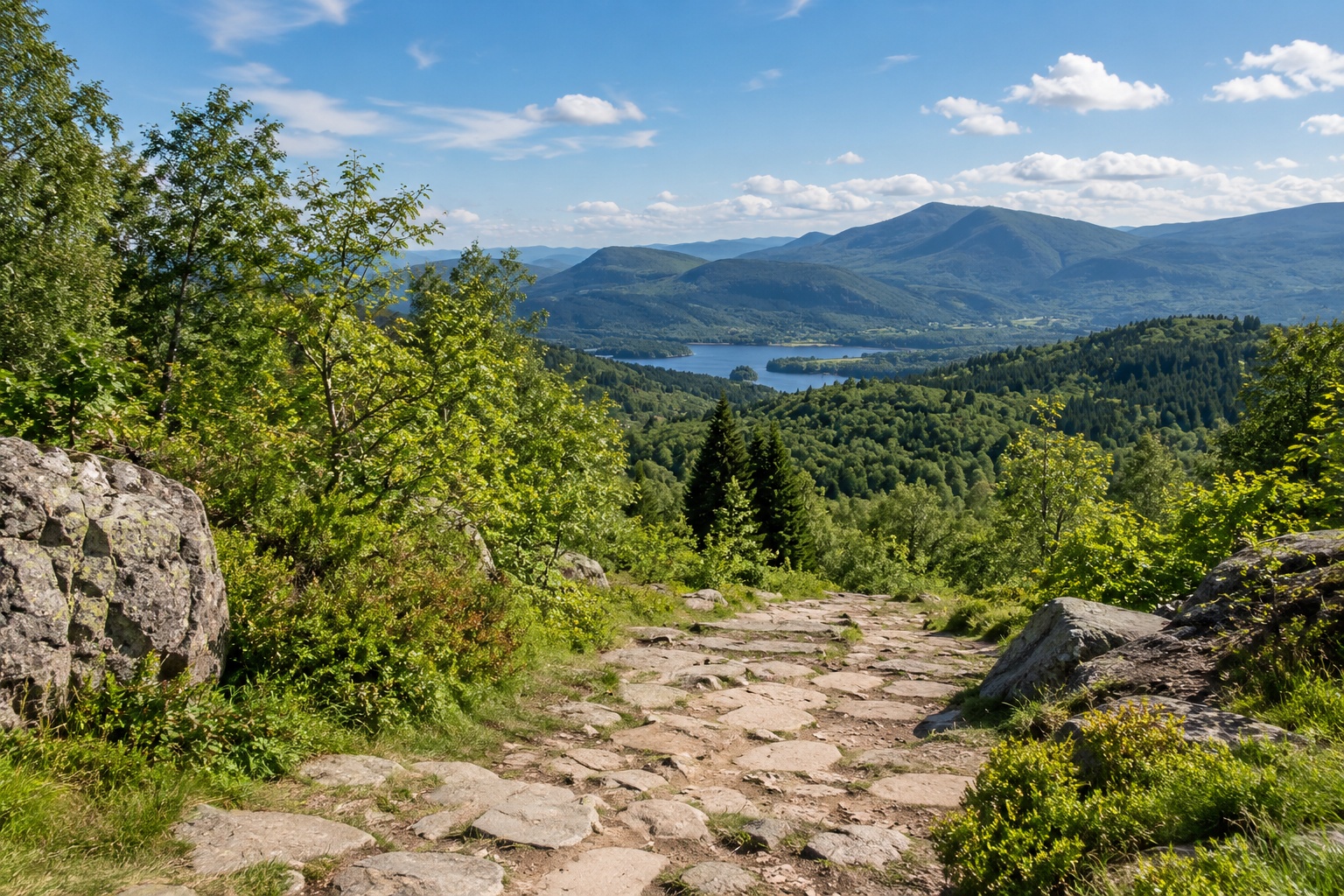
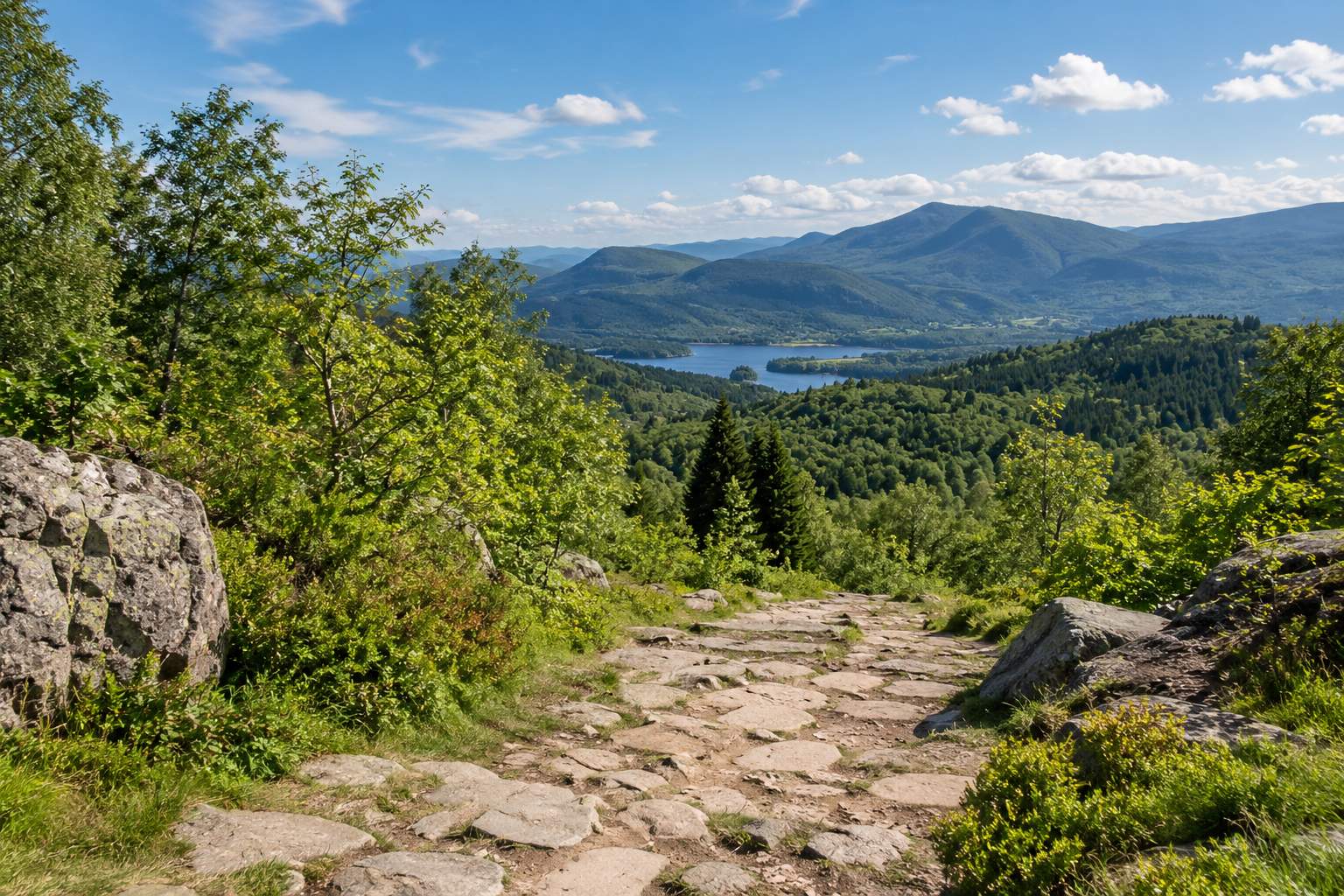
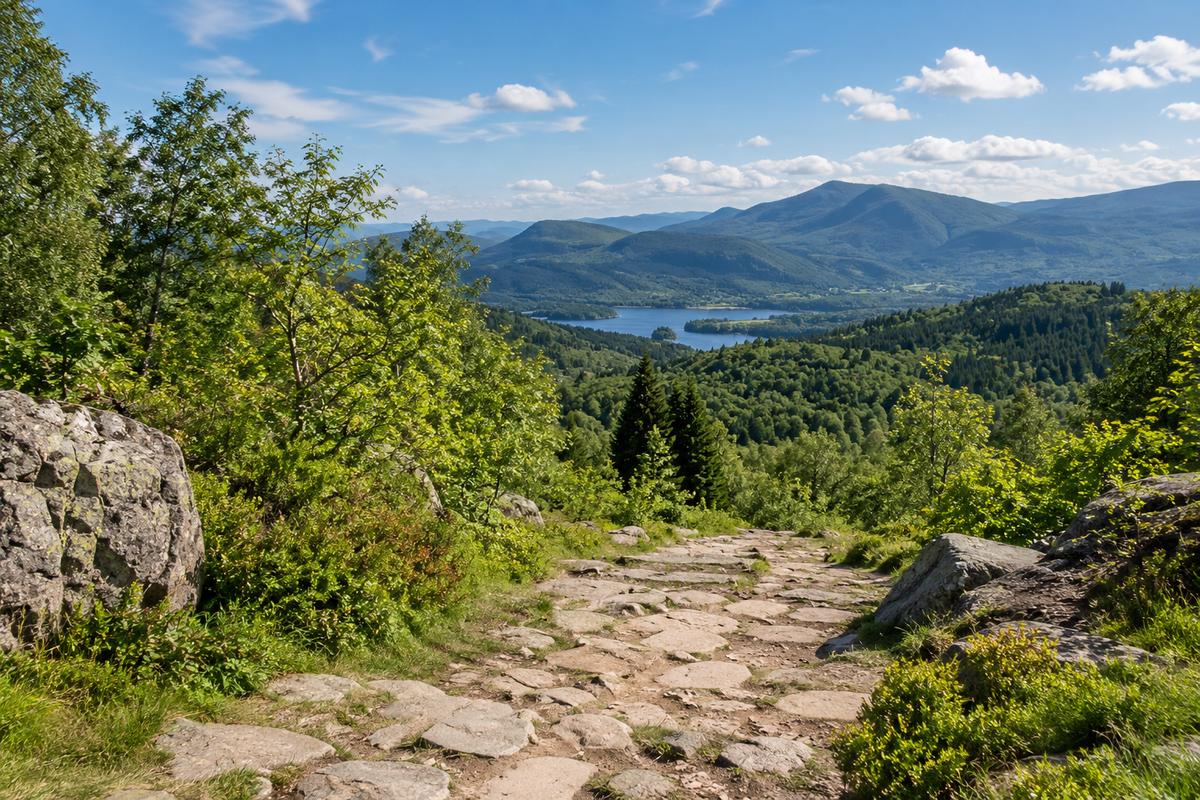
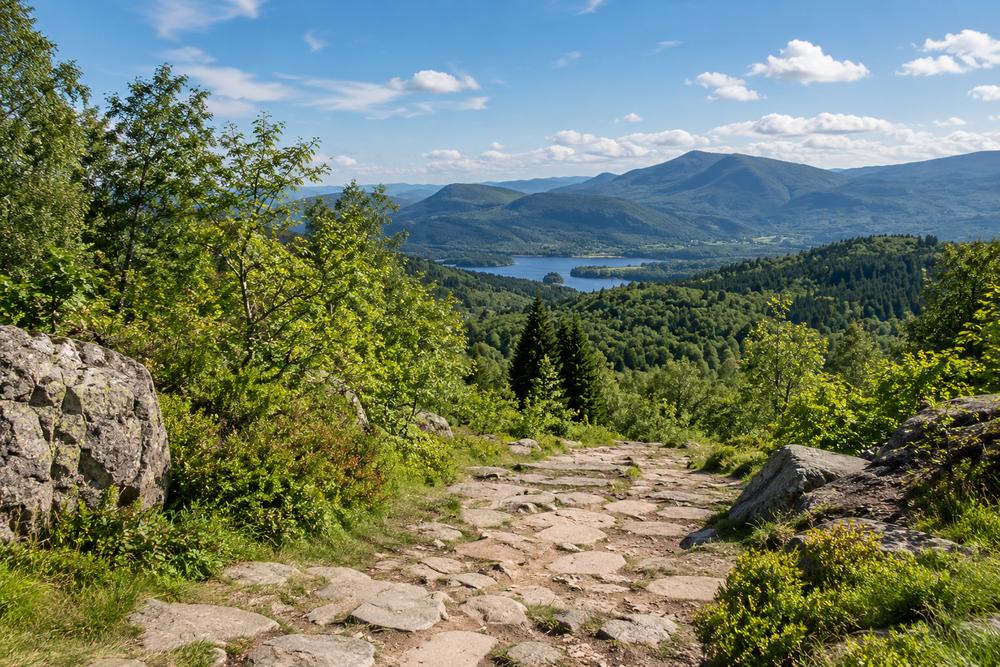
Measurement method: Pillow 12.3.0, JPEG, optimize=True, 4:2:0, Lanczos. Measured on 11 September 2026. This is a controlled encoding example, not a performance test of the Kırpmadan browser tool. The same quality value can give different results with different browsers and encoders.
Download the source and try it yourself · 1536 × 1024 · 3597.9 KB
Technical reference: browser format and quality settings (MDN)
200 KB is not 200 pixels
Width and height describe pixel dimensions; KB describes storage size. A 1200 × 800 image can have very different file sizes at different JPEG qualities. Our comparison uses 1 KB = 1000 bytes. Some software labels 1024-byte units as KB, so check the byte count when an exact limit matters.
When lowering quality is not enough
Image Compressor preserves width and height. Forcing a large photo into a tiny file with very low JPEG quality can produce blocky areas. Reduce dimensions in Image Resizer, then compress the resized copy. If the form requires at least 600 × 800 pixels, do not go below that. Follow the form’s own rules for official photo dimensions and backgrounds.
Why PNG behaves differently
PNG does not use the same lossy quality scale as JPEG. For a photograph, try JPG if the receiving form accepts it. For small text, logos or transparency, compare the result carefully before switching formats. WebP can be useful too, but not every upload form accepts it.
Use the same source for each attempt
Repeatedly saving an already compressed JPEG can accumulate damage. Make each quality trial from the original, or from the same resized source copy. Raising the quality setting later cannot recover detail already lost.
Apply the example to your own photo
Each sample below was exported independently from the same source photo. Your photo will not produce the same number of KB at the same quality. Small previews can hide defects: open the sample at full size to inspect detail. Judge your final download against the receiving form’s requirements.
Common mistakes
- Renaming a file .jpg instead of converting it
- Assuming a small preview means a small file
- Expecting 80% quality to mean an 80% reduction
- Uploading the original instead of the new download
Before you finish
- The format is accepted by the form
- Minimum pixel dimensions are preserved
- The downloaded file is below 200,000 bytes
- Faces and required text remain readable
- The original is stored separately